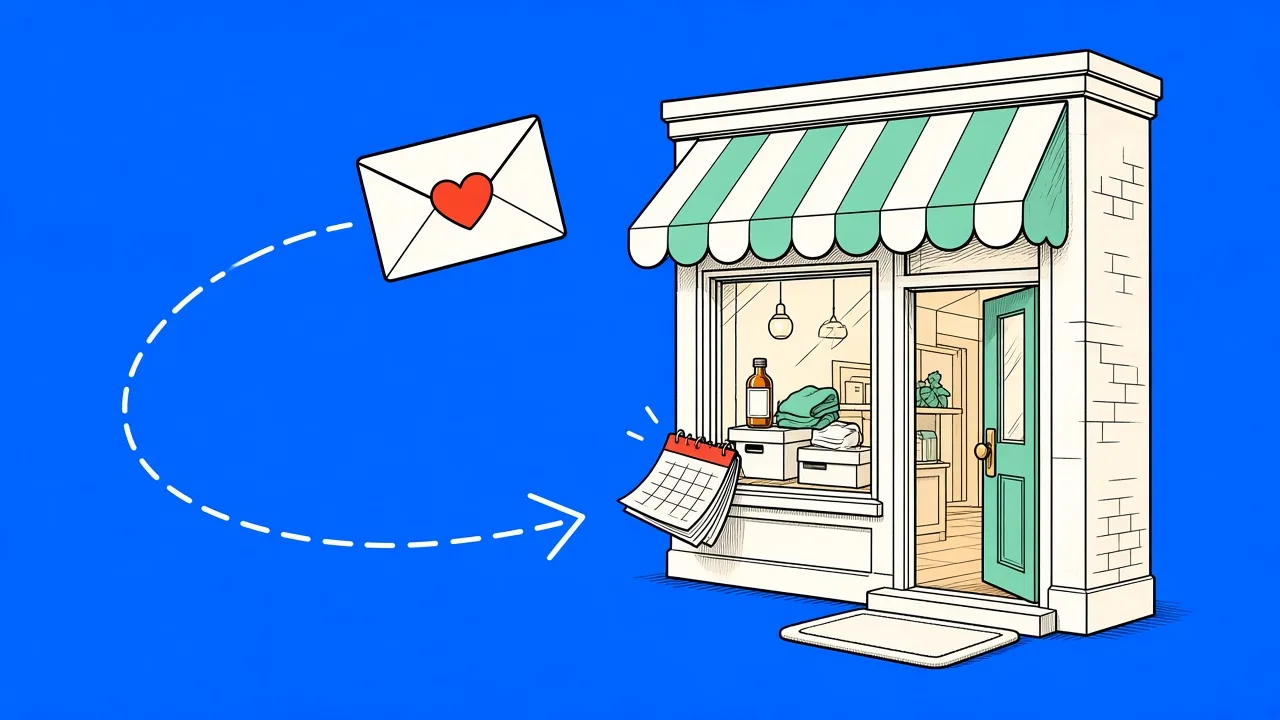
Most stores treat the order confirmation as the end of the conversation. The customer paid, the package shipped, done. But the weeks right after a purchase are the single best window you will ever get: the customer is paying attention, opens are at their peak, and whether they ever place a second order is largely decided now. Industry data keeps confirming the same imbalance year after year - automated flows are a tiny share of email volume but drive around a third of email revenue for the stores that run them, and the post-purchase email flow is the most consistently underbuilt of the lot.
This guide covers the three-email structure that works, when to send each one, and the mistakes that turn a helpful follow-up into unsubscribe bait. Like everything on this blog, it is written from the workflow we actually ship in MailingPlatform, not from theory.
What a post-purchase flow is for
It does three jobs, in this order: it reduces support tickets by answering questions before they are asked, it collects reviews while the experience is fresh, and it sets up the second order. Notice what is not on that list - the hard sell. A customer who bought two days ago does not need a promotion, and sending one anyway is how brands train customers to ignore everything that is not a discount.
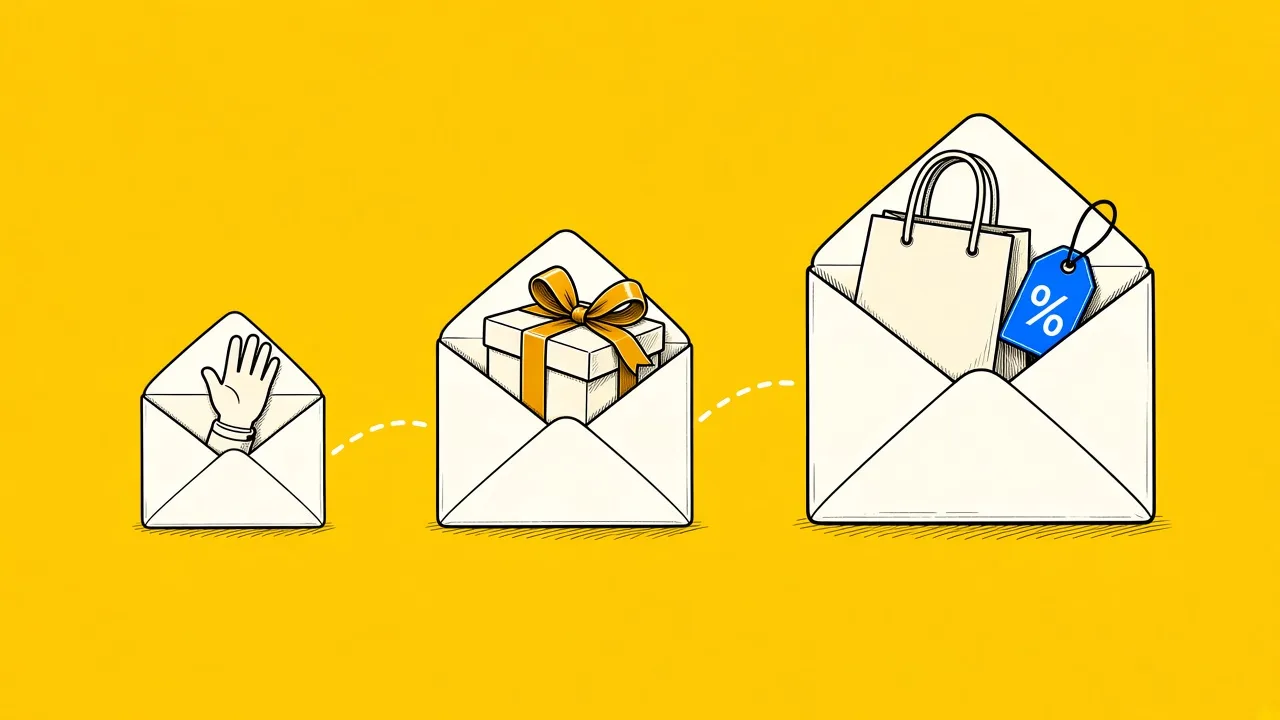
The three-email structure
Email 1: care and getting started (day 2 to 3)
Send this while the order is still on its way. Its only job is to make the product land well: how to use it, how to care for it, what to do if something is wrong, and who to contact. For apparel that might be washing instructions; for consumables, how to store and dose; for anything technical, the three most common setup questions. This is the email that cuts "where is my order" and "how do I" tickets, and it quietly builds the trust the later emails spend.
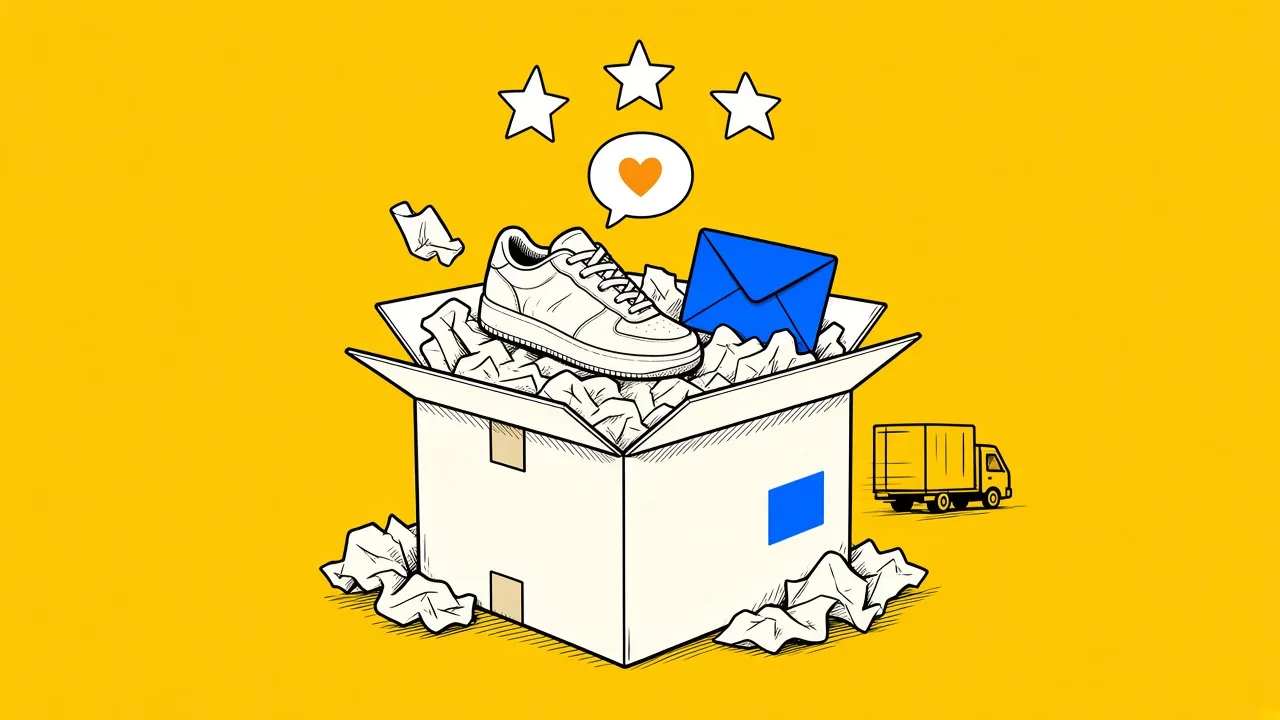
Email 2: the review request (about a week after delivery)
Timing matters more than copy here. Ask before the product has arrived and you get nothing; ask a month later and the moment has passed. About five to seven days after delivery is the window where satisfaction is high and memory is fresh. Keep the ask small and honest - one question, one link, no incentive that would make the review worthless. If your store ships slowly or delivery times vary, trigger this step from the fulfillment event rather than the order date so the math works for every customer.
Email 3: the cross-sell (day 21 to 30)
Now, and only now, comes the commercial email. Recommend products that pair with what the customer actually bought, not your bestsellers. A customer who bought a coffee grinder wants filters and beans, not another grinder. If you run replenishable products, this email becomes a replenishment reminder timed to when the product runs out, which typically outperforms any generic recommendation.
The rules that keep it working
- Stop on the next purchase. The moment the customer orders again, they should exit the flow and re-enter it from the top with the new order. Nothing reads more automated than a "how is everything" email about a product the customer has already reordered.
- First-time buyers are not repeat buyers. If your volume justifies it, branch the flow: first-time buyers get the full care sequence, repeat customers skip straight to the review request. A fifth order does not need washing instructions.
- Suppress campaign overlap. A customer in their first post-purchase week should not also receive your weekly promotion. Let the flow own the inbox for those first days.
- Keep email 1 free of selling. The care email earns opens for the entire sequence. One product grid in it and it becomes just another promotion.
What to expect
Review requests sent at the right moment routinely see open rates far above campaign averages, and a working post-purchase flow typically moves second-order rates measurably within 60 days. The exact numbers depend on your category and repurchase cycle, so judge the flow by one metric: the share of first-time buyers who place a second order, compared before and after. That number is the whole point.
Setting it up
In MailingPlatform the flow starts from the Order created trigger (or Order fulfilled, if you want delivery-anchored timing). Connect your Shopify store or install the WooCommerce plugin, and order data streams in over webhooks - including the product names and order details the emails can show through merge tags. Waits, emails and branches are drag-and-drop on the canvas, and the triggers reference covers the details.
The post-purchase flow picks up exactly where the welcome series leaves off. And when a customer goes quiet despite all of it, the win-back flow is the follow-up that brings a share of them back.