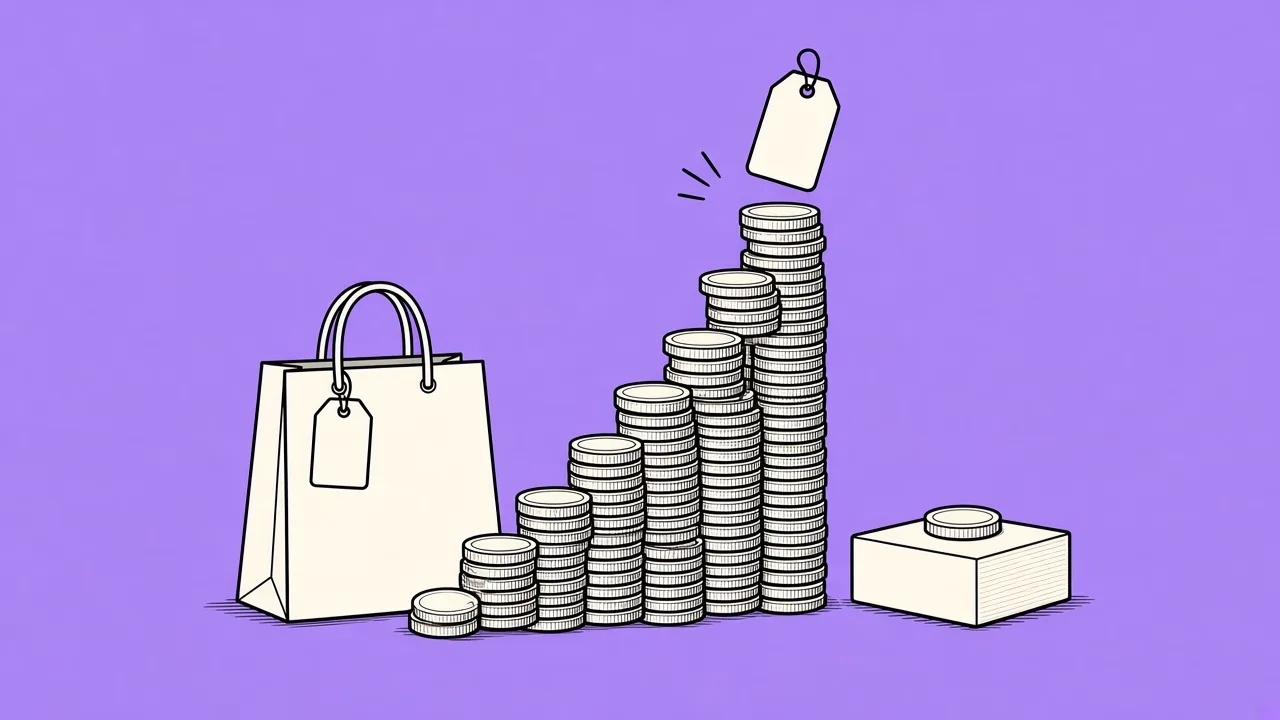
Roughly seven out of ten carts on a typical Shopify store are abandoned, and that number has barely moved in a decade of studies. You will never get it to zero - a large share of abandoners are comparison shopping or simply not ready - but the gap between a store that manages abandonment well and one that ignores it is worth real money. There are two levers, and most advice only covers one of them: prevent the avoidable abandonments in the checkout itself, and recover a share of the rest by email. This guide covers both, with honest numbers.
Why people abandon in the first place
Surveys of shoppers who abandoned agree on the ranking: unexpected costs at checkout come first by a wide margin - shipping, taxes and fees that only appear at the last step. Then forced account creation, slow or unclear delivery times, a long checkout, and payment or trust concerns. Only after all of those comes "just browsing". That ordering is good news, because everything above browsing is fixable.
Lever one: prevent what can be prevented
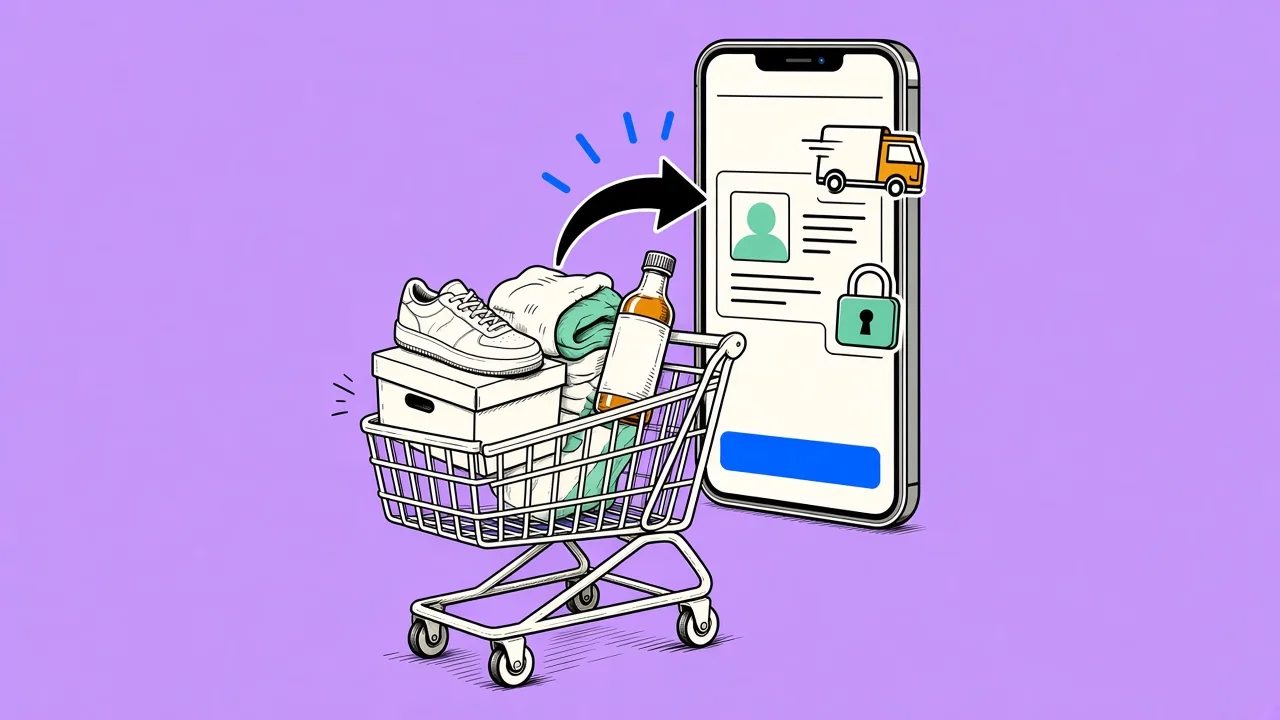
- Show total costs early. The single biggest cause has the simplest fix: show shipping costs on the product or cart page, not as a checkout surprise. A shipping calculator or a flat "free over €75" bar beats any recovery email you will ever send.
- Keep guest checkout on. Shopify supports it; use it. Forcing account creation converts a purchase decision into a commitment decision, and commitment loses.
- Enable express payments. Shop Pay, Apple Pay and Google Pay collapse the checkout to one step for returning wallets. Fewer fields, fewer exits.
- Answer delivery questions where they arise. "Ships within 24 hours, arrives in 2 to 4 days" on the product page removes a hesitation before it forms.
- Make trust visible. Clear return policy, real contact details, honest reviews. Nothing exotic, but their absence is a quiet exit at the payment step.
Prevention has a ceiling, though. Even a flawless checkout loses the majority of carts, because most abandonment is about timing and comparison, not friction. That is what the second lever is for.
Lever two: recover by email
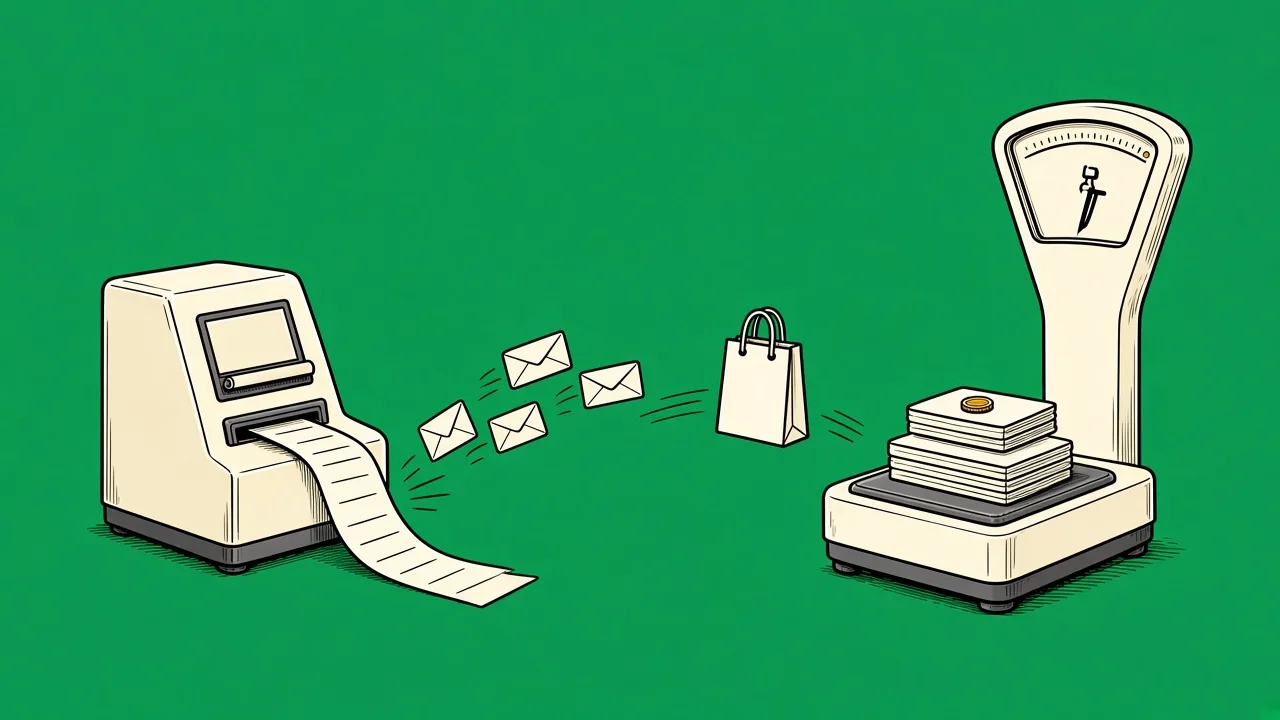
A well-built recovery sequence typically brings back 5 to 12 percent of abandoned carts, which for most stores makes it the highest-ROI automation available. The pattern that works is three emails over roughly three days: a plain reminder with the actual cart contents about an hour after abandonment, a friction-removal email a day later answering shipping and returns questions, and only then - if at all - a modest incentive with a real expiry.
The details that separate sequences that work from sequences that annoy: show the real cart contents with images and prices, keep a single button back to checkout, stop the sequence the moment the customer buys through any channel, and if you discount, mint a unique code per recipient so it cannot leak to coupon sites. We wrote a full guide to the sequence in the abandoned cart email that recovers the checkout.
Catch the exits before the cart
Cart abandonment gets the attention, but most visitors leave earlier, from a product page. For identified subscribers, a browse abandonment trigger - for example "viewed the same product three times this week without buying" - reaches high-intent shoppers the cart flow never sees. It is the same recovery idea, one step earlier in the funnel.
What to measure
Two numbers tell you if this is working. Checkout completion rate tells you whether prevention is improving - watch it when you change shipping display or payment options. Recovered revenue per abandoned cart tells you whether the email flow earns its place; per-email attribution makes it visible which of the three emails does the work. Judge the incentive email on margin after discounts, not on conversion alone.
Setting it up
In MailingPlatform, abandoned cart recovery ships as a ready-made workflow. Connect your Shopify store and checkouts stream in over webhooks, including the cart contents the emails display. The trigger fires after the abandonment window you choose - any number of hours from 1 to 336 - a purchase marks the cart converted and stops the flow automatically, and unique discount codes are created on your store at send time. Turn it on, adjust the copy, and the attribution column shows recovered revenue from day one.