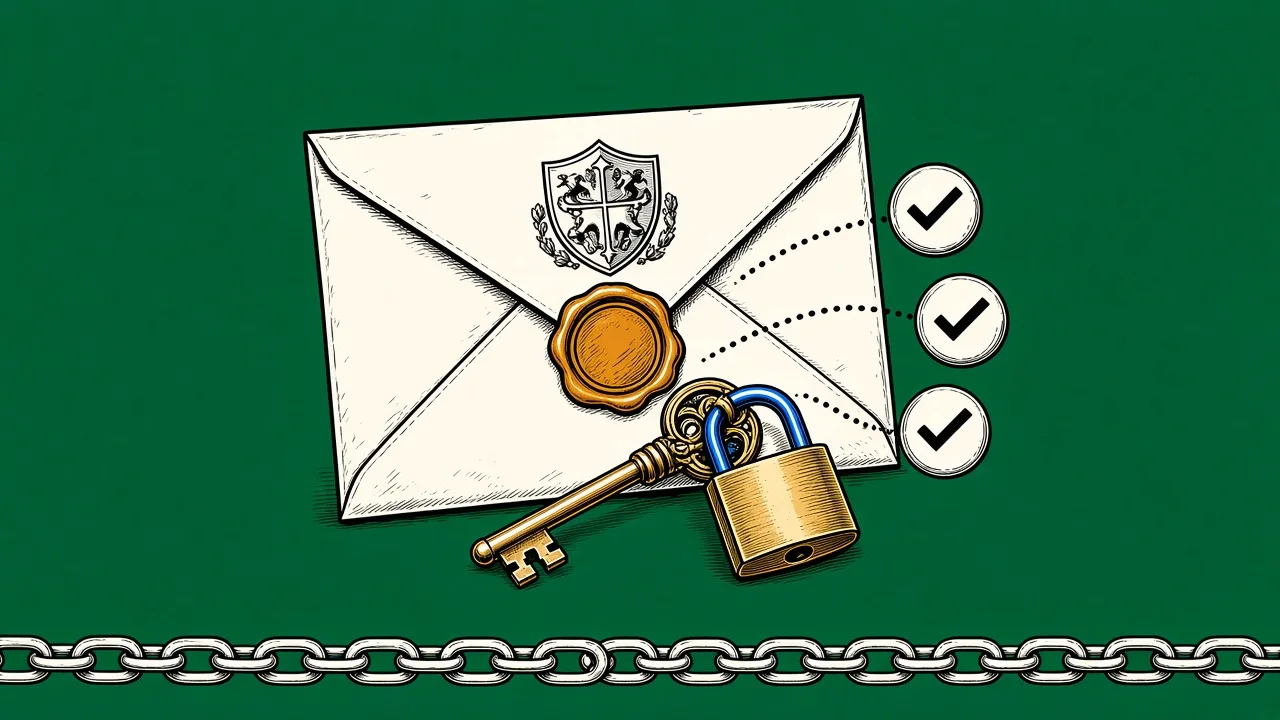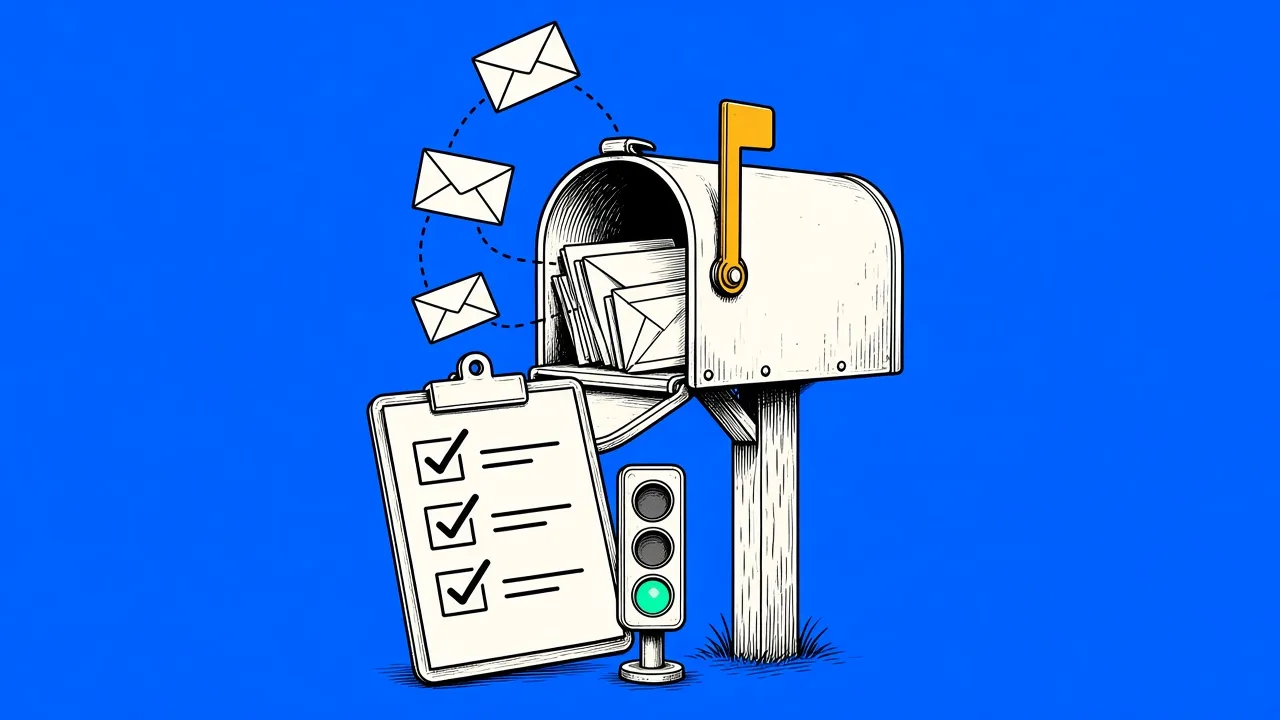
Send close to 5,000 or more emails a day to Gmail addresses and Google requires SPF and DKIM, a DMARC record of at least p=none that aligns with your From domain, one-click unsubscribe on marketing mail and a spam rate under 0.3 percent. Yahoo asks for the same list without publishing a volume number, and Outlook.com has demanded SPF, DKIM and DMARC from domains sending more than 5,000 a day since 5 May 2025. Since November 2025, Gmail also rejects more of the mail that fails, instead of just filing it as spam.
In February 2024, Gmail and Yahoo stopped asking nicely. What used to be best practice became a hard requirement for anyone sending in volume, and every year since, more failing mail has been bounced rather than quietly filtered. This guide puts the three big consumer mailbox providers in one table, explains what each rule means for a store, and splits the work into what you do yourself and what your sending platform should handle. We checked every rule against the providers' own pages on 19 October 2026.
Gmail, Yahoo and Outlook side by side
The rules overlap more than the headlines suggest. Here is what each provider publishes for bulk senders.
| Requirement | Gmail | Yahoo | Outlook.com |
|---|---|---|---|
| Applies to | Personal @gmail.com and @googlemail.com addresses | All Yahoo-hosted consumer mail brands, including AOL | Outlook.com, Hotmail and Live addresses |
| Bulk sender threshold | Close to 5,000 or more a day, all subdomains counted together, permanent | No number published | More than 5,000 a day from the same From domain |
| SPF | Required for bulk senders | Required for bulk senders | Must pass |
| DKIM | Required for bulk senders, key of 1024 bits or more | Required for bulk senders | Must pass |
| DMARC | p=none or stricter | p=none or stricter, must pass | p=none or stricter, must pass |
| From domain alignment | With SPF or DKIM | With SPF or DKIM, relaxed alignment accepted | With SPF or DKIM, preferably both |
| One-click unsubscribe | Required on marketing mail (RFC 8058 headers) plus a visible link | Required on marketing mail, RFC 8058 highly recommended, plus a visible link | Not required, a working unsubscribe link is recommended |
| Honor unsubscribes | Within 48 hours | Within 2 days | No deadline published |
| Spam rate | Under 0.3 percent, aim for under 0.1 percent | Under 0.3 percent | No number published |
| Reverse DNS | Required | Required | Required |
| TLS | Required | Not in the published requirements | Not in the published requirements |
| If you fail | Temporary or permanent rejection, or spam folder, ramped up since November 2025 | Spam folder or rejection | Rejection with error 550 5.7.515 |
| Enforced since | February 2024, one-click unsubscribe from June 2024 | February 2024, one-click unsubscribe from June 2024 | 5 May 2025 |
Gmail lists a missing DMARC record, a spam rate above 0.3 percent and missing or slow one-click unsubscribe as losing Google's delivery support and mitigation, rather than as automatic rejections. Sources: Google's email sender guidelines and FAQ, Yahoo Sender Hub, Microsoft Defender for Office 365 blog and Outlook.com support.
Two things stand out. Yahoo never says how many emails make you a bulk sender, so treat yourself as one long before you reach 5,000 a day. And Outlook is the only one of the three without a published unsubscribe deadline or spam rate limit: it focuses on authentication and leaves the rest to its filters. Our reading: if you meet Gmail's list, you also meet what Yahoo and Outlook publish today. Build for Gmail and the other two follow.
Who counts as a bulk sender
Google's line is close to 5,000 or more messages to personal Gmail accounts within 24 hours. Two details make it stricter than it sounds. Google counts everything sent from the same primary domain, so 2,500 emails from yourstore.com and 2,500 from news.yourstore.com add up to 5,000. And the label is permanent: reach the number once and Gmail treats you as a bulk sender for good, even if your volume drops afterwards.
Microsoft uses the same figure for Outlook.com, counted per domain in the visible From address. Yahoo deliberately publishes no number at all and only says a bulk sender sends "a significant volume of mail". If you run a store with any meaningful list, assume the bulk rules apply to you.
Senders below the line are not off the hook. Gmail and Yahoo both apply a baseline to everyone: SPF or DKIM at minimum, valid forward and reverse DNS for the sending servers, and a spam rate under 0.3 percent. Gmail adds TLS for every message. The bulk rules simply add more on top.
The requirements, in plain language
- SPF and DKIM, both. The two DNS records that prove mail from your domain is authorized and untampered. Outlook is the bluntest about it: both checks must pass, not just exist. Gmail also wants a DKIM key of at least 1024 bits. If the acronyms are new, our plain-language explainer covers them in ten minutes.
- A DMARC policy. At minimum
p=none, published in DNS, and the domain in your visible From address must align with the domain that passed SPF or DKIM. Only one of the two has to align. Yahoo and Outlook add that DMARC itself must pass. - One-click unsubscribe. Marketing mail must carry
List-UnsubscribeandList-Unsubscribe-Postheaders as described in RFC 8058, so people can leave from the top of the inbox with one click, plus a visible unsubscribe link in the body. Gmail does not count a mailto header or a link to a preference page as one-click. Yahoo calls the RFC 8058 method highly recommended. Requests must be honored within 48 hours at Gmail and two days at Yahoo. - Spam complaints below 0.3 percent. That is the hard ceiling at Gmail and Yahoo. Google's own advice is to stay under 0.1 percent, and its FAQ says rates above 0.1 already hurt inbox placement for bulk senders. Staying there month after month is mostly a matter of list hygiene and a sunset policy: the subscribers who complain are the ones who stopped reading long ago.
- Valid DNS and clean formatting. Forward and reverse DNS for the sending servers, messages formatted to RFC 5322 and, at Gmail, TLS in transit. This is plumbing your platform should cover, and you should never have to think about it.
One exemption worth knowing: one-click unsubscribe applies to marketing and promotional mail, not to transactional messages like order confirmations, shipping notices or password resets. Google and Yahoo both say so in their FAQs. Keep the two apart, though. Google tells senders not to put promotions in sales receipts, and a discount banner in your shipping email blurs exactly the line it asks you to keep.
What changed going into 2026
The rules themselves have barely moved since 2024. Enforcement has, and three changes matter for a store.
- Gmail started rejecting more mail in November 2025. Its FAQ says messages that fail the requirements now face "disruptions, including temporary and permanent rejections". Failing authentication, a From domain that does not align, missing reverse DNS or no TLS can each end in a bounce code or the spam folder.
- Outlook joined in May 2025. Outlook.com, Hotmail and Live addresses now hold domains sending more than 5,000 a day to SPF, DKIM and DMARC. More on that below.
- The dashboards got better. Google Postmaster Tools now has a compliance status dashboard, and in October 2025 Yahoo added Insights to its Sender Hub, which shows the spam complaint rate per verified DKIM domain. You can finally see the numbers the providers judge you on.
What has not changed is worth knowing too. By Google's own FAQ, a missing one-click unsubscribe or a slow unsubscribe does not trigger an automatic rejection. What it costs you is Google's delivery support and mitigation, plus more spam reports from people who could not leave easily. That is still a price you do not want to pay.
The practical effect: a sender who half-implemented the rules in 2024 and got away with it is far more likely to see bounces now, and authentication is where they start.
What about Outlook and Hotmail?
Microsoft announced its rules on 2 April 2025 for Outlook.com, its consumer service for outlook.com, hotmail.com and live.com addresses. If a domain sends more than 5,000 emails a day there, SPF must pass, DKIM must pass and DMARC must be at least p=none, aligned with SPF or DKIM and preferably both. Microsoft first said failing mail would go to Junk, then changed course before the deadline: since 5 May 2025, mail that fails is rejected with the code 550 5.7.515, "sending domain does not meet the required authentication level".
Microsoft also lists recommendations: a From or Reply-To address that is valid and can receive replies, a working unsubscribe link, regular removal of invalid addresses and honest subject lines. They are not hard requirements today, but Microsoft reserves the right to filter or block senders who ignore them. Asking customers to add you as a safe sender will not help either. Microsoft says safe sender lists are not honored for this enforcement.
If your customer list has a lot of Hotmail and Outlook addresses, check your DMARC record before anything else on this page.
What you have to do yourself
Three things are genuinely yours. First, authenticate your sending domain: SPF, DKIM and DMARC are DNS records only you can publish. In MailingPlatform you verify your domain in your own Amazon SES account, add the DNS records it gives you and connect it in Settings, with a built-in walkthrough for each step. Our guide to verifying your sending domain has the exact clicks. It is an afternoon task, not a project.
Second, keep complaints low, and that is a list quality question, not a technical one. Send to people who asked to hear from you, make leaving easy, and stop mailing contacts who have gone silent. A win-back flow with an exit into a sunset segment handles the silent ones gracefully. Double opt-in at signup keeps mistyped and fake addresses off the list in the first place.
Third, watch the numbers the providers see. Register your domain in Google Postmaster Tools and in Yahoo's Sender Hub. Both show your spam rate the way the provider calculates it, which is not always the way your own reports do. Yahoo, for example, counts complaints only against mail delivered to the inbox.
What your platform should handle
The rest is infrastructure, and if you are doing it by hand, your platform is underdelivering. MailingPlatform adds RFC 8058 one-click unsubscribe headers to your sends, stops future sends to unsubscribes, hard bounces and complaints automatically across your whole account, and sends aligned on your own domain through Amazon SES, with no shared "via" domain. The deliverability page has the full setup. Bounces and complaints come back from SES within minutes and land in each campaign's statistics, with a notice when a rate needs attention, so a problem shows up in your report before it shows up as a blocked campaign.
The senders who struggle with these rules are the ones treating them as a checklist to pass once. Treat them as a description of how a respectful sender behaves, and compliance is mostly a side effect. Start with the DNS records, verify them, and let the platform carry the rest.
Frequently asked questions
What are Gmail's email sender guidelines?
Every sender to personal Gmail accounts needs SPF or DKIM, valid forward and reverse DNS, TLS, messages formatted to RFC 5322 and a spam rate under 0.3 percent. If you send close to 5,000 or more a day, you also need both SPF and DKIM, a DMARC record of at least p=none aligned with your From domain, and one-click unsubscribe plus a visible unsubscribe link on marketing mail. Google recommends keeping the spam rate under 0.1 percent.
Does Gmail require SPF and DKIM?
Yes. Every sender needs at least one of them, and bulk senders, meaning close to 5,000 or more messages a day to Gmail, need both, plus DMARC. Gmail also requires a DKIM key of at least 1024 bits and recommends 2048.
What are the changes in Yahoo Mail for 2026?
Yahoo has not published new sender requirements for 2026. Its Sender Hub, checked on 19 October 2026, still lists the rules enforced since 2024: SPF and DKIM, a passing DMARC policy of at least p=none, one-click unsubscribe honored within two days and a spam rate under 0.3 percent. What is new is visibility: since October 2025 the Sender Hub Insights dashboard shows your complaint rate per verified DKIM domain.
Does Outlook have the same rules as Gmail and Yahoo?
Close, but narrower. Since 5 May 2025, Outlook.com requires domains sending more than 5,000 emails a day to pass SPF and DKIM and to publish DMARC at p=none or stricter, aligned with the From domain. Unsubscribe links and list hygiene are recommendations, not published requirements. Mail that fails is rejected with error 550 5.7.515.
Do the rules apply if I send fewer than 5,000 emails a day?
Partly. Gmail and Yahoo both have a baseline for all senders: SPF or DKIM, valid reverse DNS and a spam rate under 0.3 percent. Yahoo publishes no bulk threshold at all, so a store with a few thousand Yahoo subscribers is better off following the bulk rules anyway.
Do order confirmations need one-click unsubscribe?
No. Google and Yahoo both limit one-click unsubscribe to marketing and promotional messages. Order confirmations, shipping notices and password resets are exempt, as long as you keep promotions out of them.